The Day My Mac Caught a Silent Fever.
Under the hood of your favorite Mac, a "Data Storm" can trigger at any moment—silently burning through your SSD's finite lifespan.
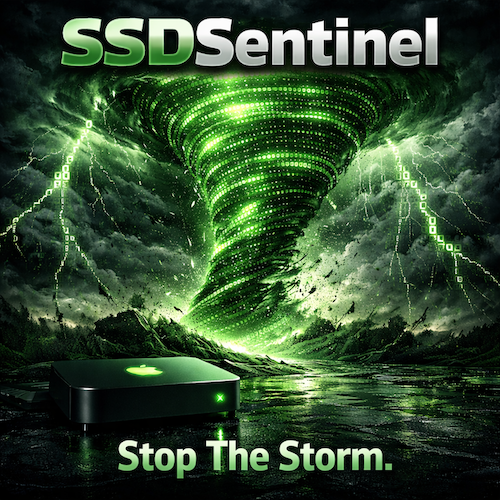
I found out the hard way. While my Mac appeared to be idling, a stuck process loop was hammering my internal SSD with thousands of writes every minute. I had no idea it was happening. There was no notification, no warning, and no heat—just silent, permanent wear.
The Soldered Hardware Reality
On modern Macs, the SSD is soldered directly to the logic board. If the drive fails, the Mac is a brick. With replacement costs priced to the moon, every "Data Storm" is a direct threat to your hardware's life.
Using cryptic terminal commands and the help of AI, I finally stopped the bleed. But it shouldn't be that hard to protect your investment. I realized we needed a Sentinel standing watch—one that translates complex system logs into a simple, glanceable status.

Secure
Your SSD is operating within safe baselines. All systems normal.

Warning
Abnormal write activity detected. Investigating background tasks.

Alert
Critical Data Storm active. Corrective action required immediately.
Today, I sleep easy. My green shield sits in the menu bar, watching every byte. If another log storm occurs, I'll know instantly. I built this to save my own Mac, and now it's ready to stand watch over yours.
Stand watch over your Mac's future today.